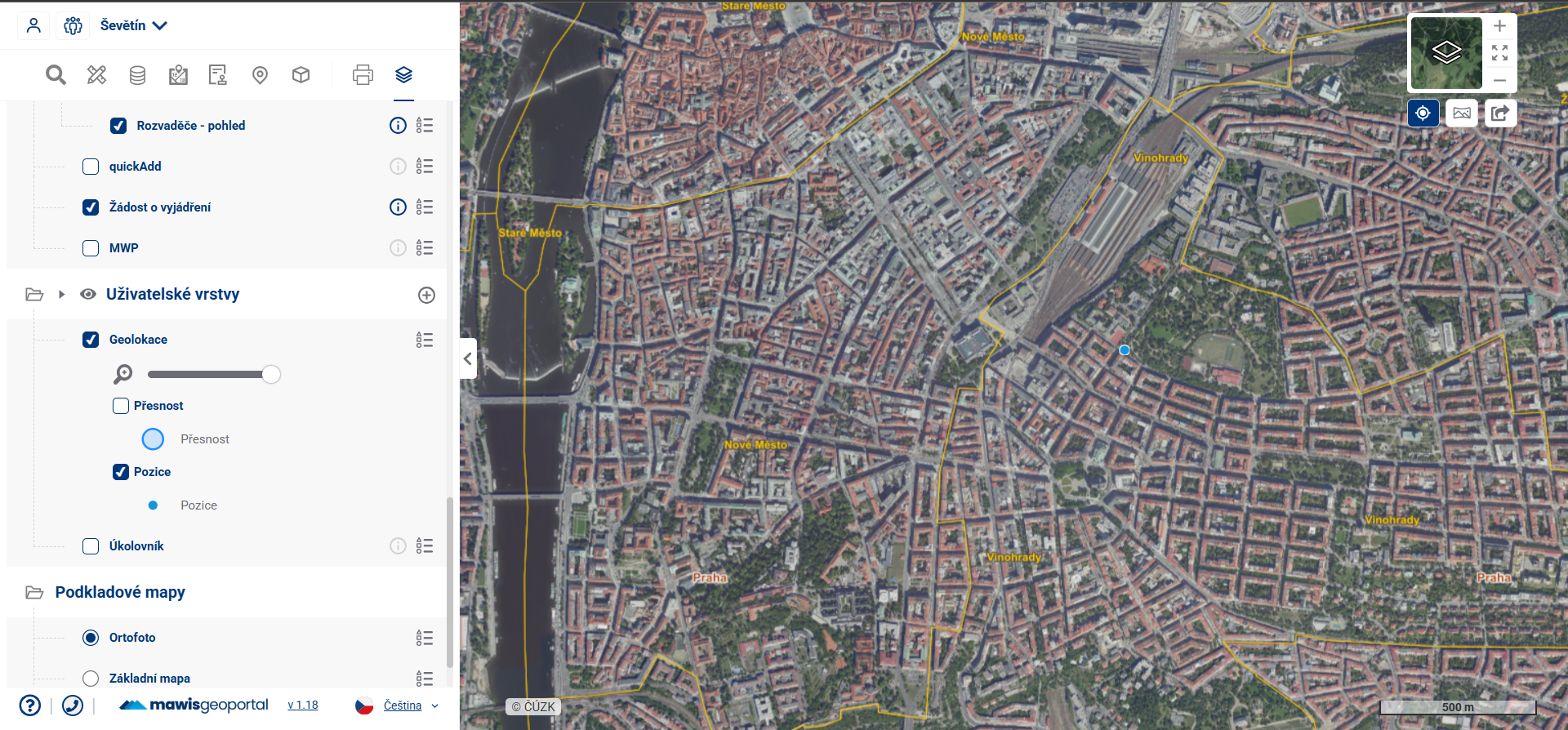
2.2. USER-LAYERS
User layers are the second of three categories in the Map Layer Organizer
Common characteristics of User Layers:
- Their content is created by the user in the modules Search, Measurement and Taskmanager, or by temporary import of own data;
- Available for every project;
- They are hierarchically grouped.
Categorization:
- Measurements - measurement layer objects (point, line, polygon, annotation)
- General Search - “Search Results” layer - contains Search results and the “Drawings” group (point, line, polygon)
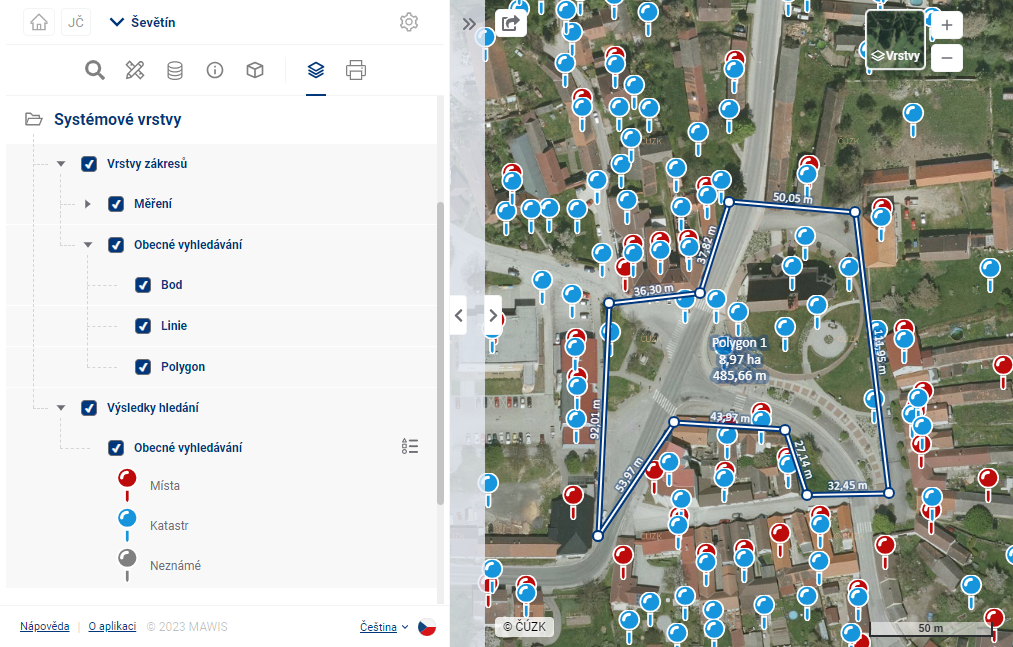
- Cadastral Register - the “Cadastral Parcels” layer and the “Maps” group (point, line, polygon)
- Task List - Task markers from the Task List module on the map
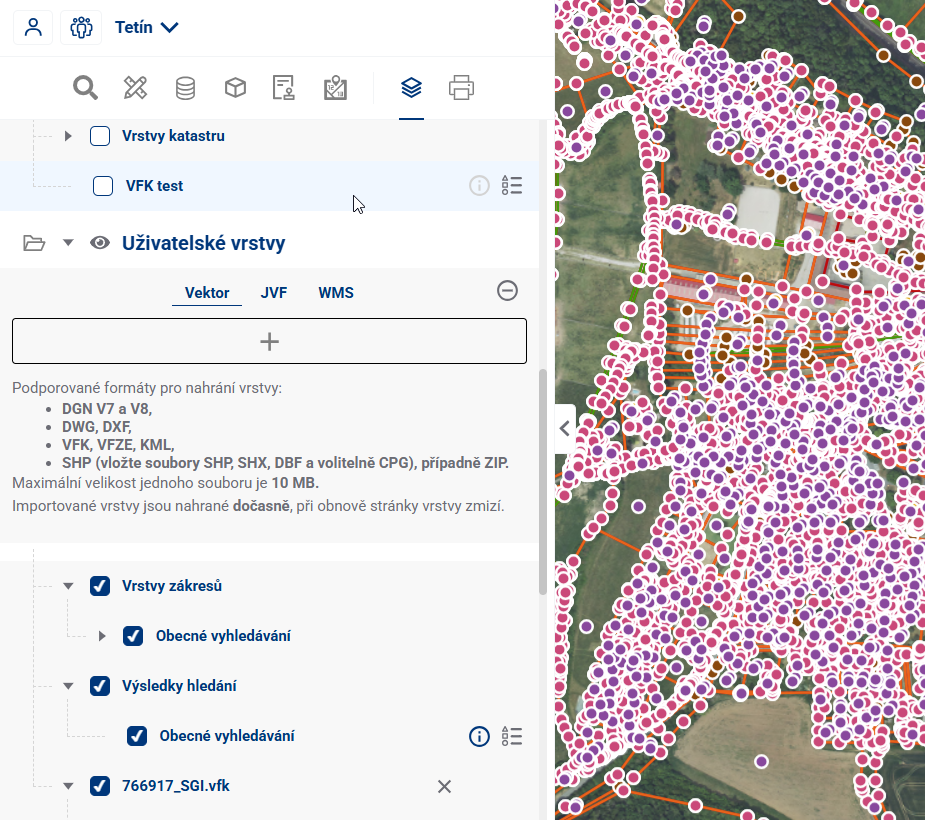
- Custom Layers - temporary user import from file, layer disappears after leaving the project
- The
 button for adding custom temporary layers
 - You can upload vector layers (DGN V7 and V8, DWG, DXF, VFK, VFZE, KML, GeoJSON, GIGDB, and SHP (include three SHP, SHX, and DBF files, and optionally a CPG file), or a ZIP file), a JVF file, a georeferenced PDF containing both vector and raster data, and a URL for connecting to a WMS layer
- There are size limits for uploaded files (10 Mb for vector and 30 Mb for JVF)
- After successful upload, the layer is displayed in the layer tree and can be worked with similarly to Data layers
- The
- Geolocation - layers showing positioning accuracy, the user’s current location (and device), and orientation; enable this in the top-right corner using
 ; only then will it appear in the organizer