1. GENERAL APPLICATION CONTROL
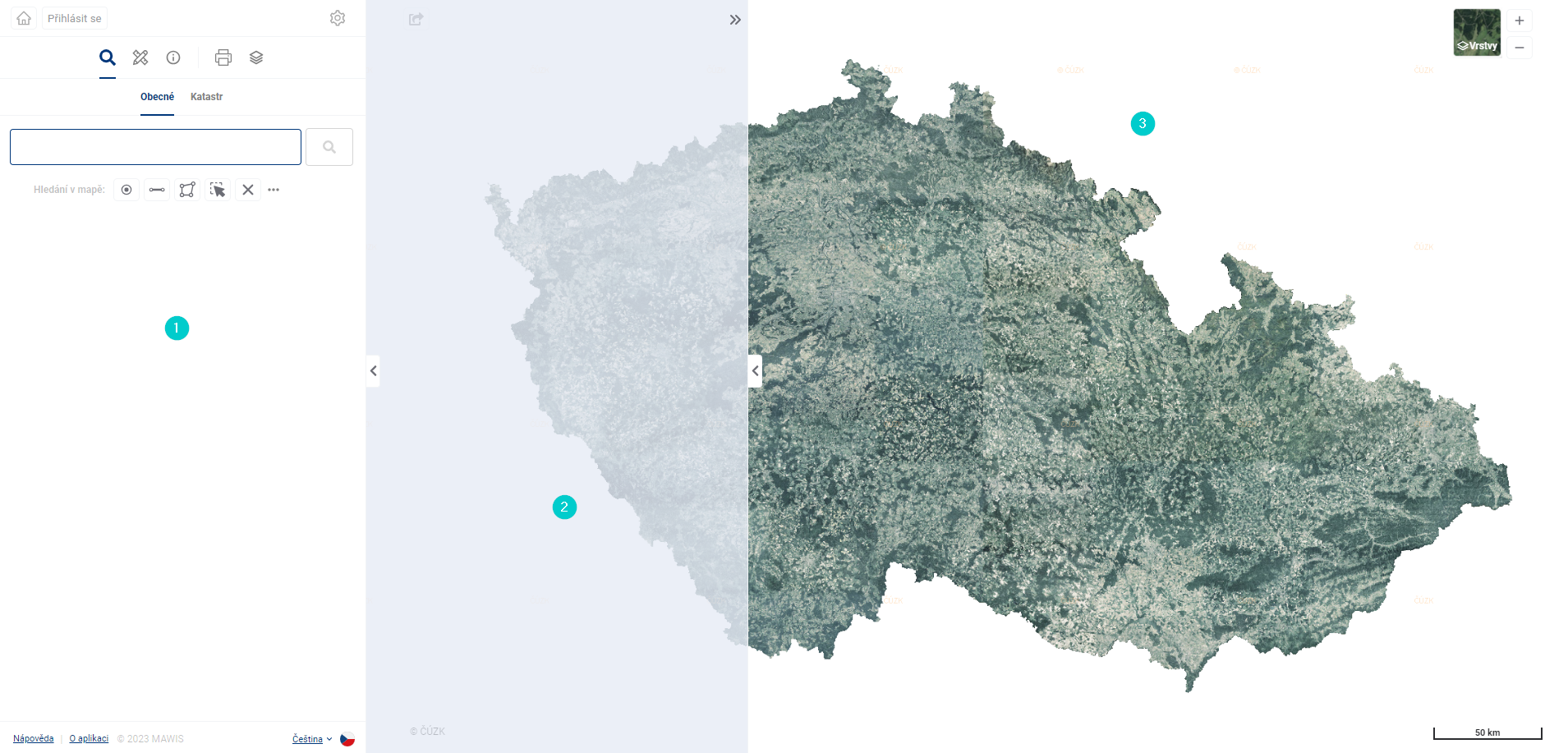
The Geoportal is divided into three basic parts/panels:
- Work panel - contains basic controls
- Display panel - displays data (e.g. attribute data or 3D)
- Map Window - displays spatial data
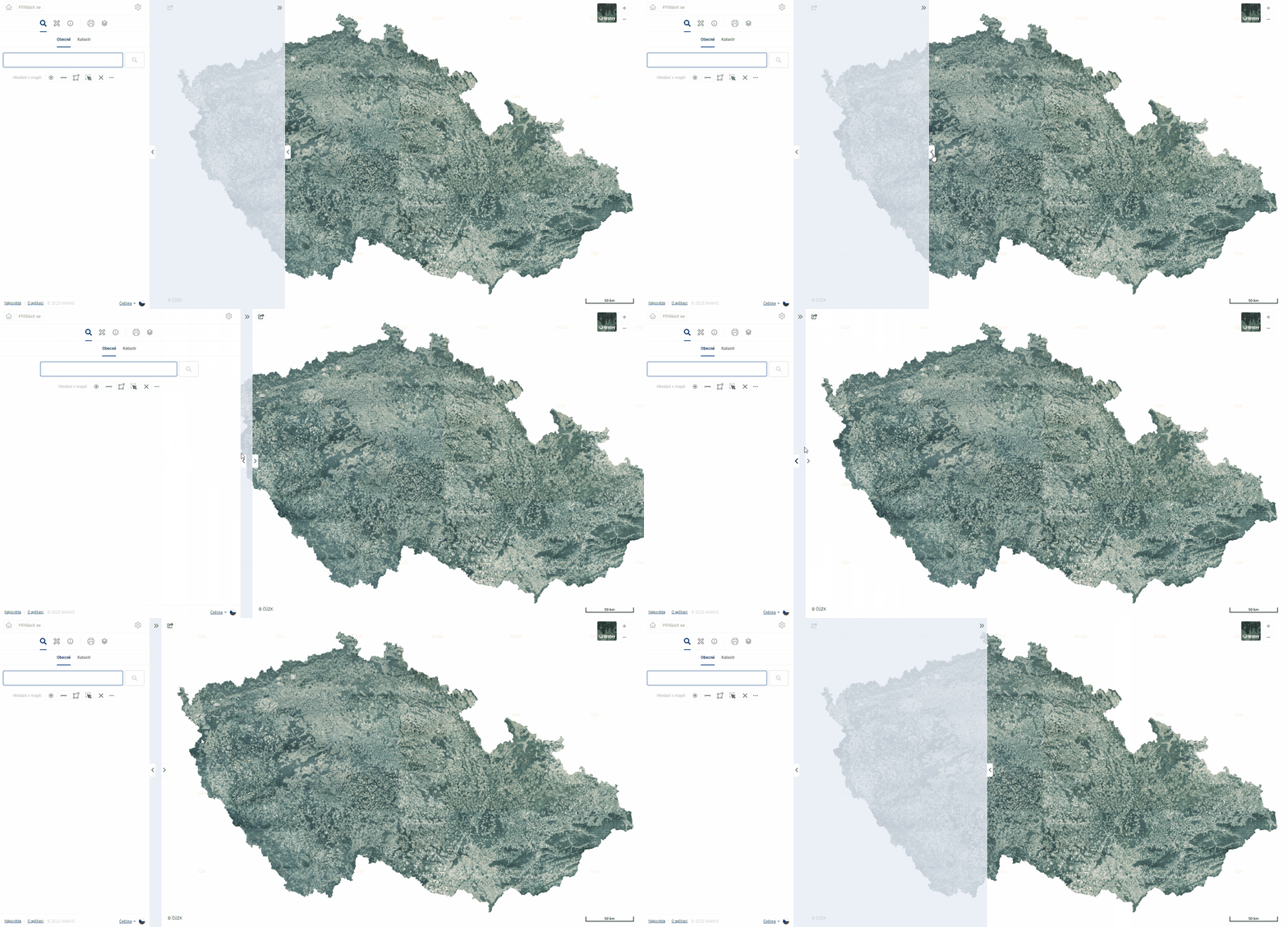
The panels can be customised to suit your needs. By dragging the edge of the panel you can expand, minimize and maximize the working and display panel. The display panel is activated only when the data display tools are activated (For example, after displaying the search result detail or clicking on the 3D Model).