1.1. APPLICATIONS AND PROJECTS
When the Geoportal is first loaded, the user is presented with a public project with the basic functions of the application. To use MGM fully, you must first purchase the product and then log in. To purchase the product, please feel free to contact us.
You can log in to the geoportal in the top bar of the work panel using the “Log in” button. 
To successfully log in, you must have purchased the product and be registered here. After pressing the “Login” button, you must fill in the user’s email and password.
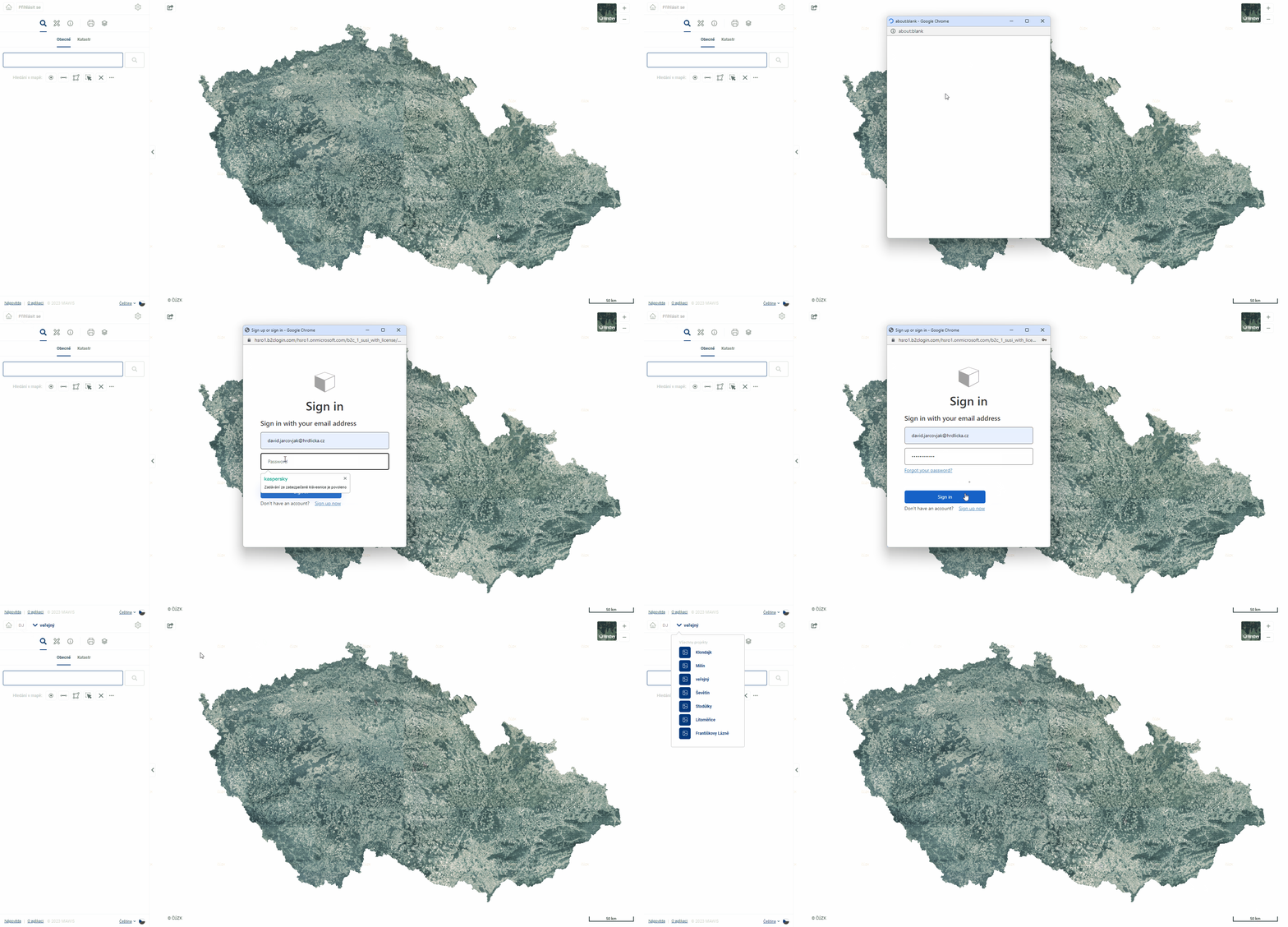
If you forget your password, you can reset it directly in the login window. A temporary password will be sent by email and the next time you log in, you will be prompted to set a new password.

After a successful login, the user icon, the organization icon, and the user’s default project are displayed in the upper left corner of the application. To switch between projects, you need to go to the project name bar.
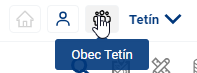
The user will see all his available configured projects. To configure a new project, please contact us.