1.3. DISPLAY PANEL
This panel is mainly used for data display. The display panel is always activated after the data display action has been initiated. For example, a request to open a parcel detail in a general search.
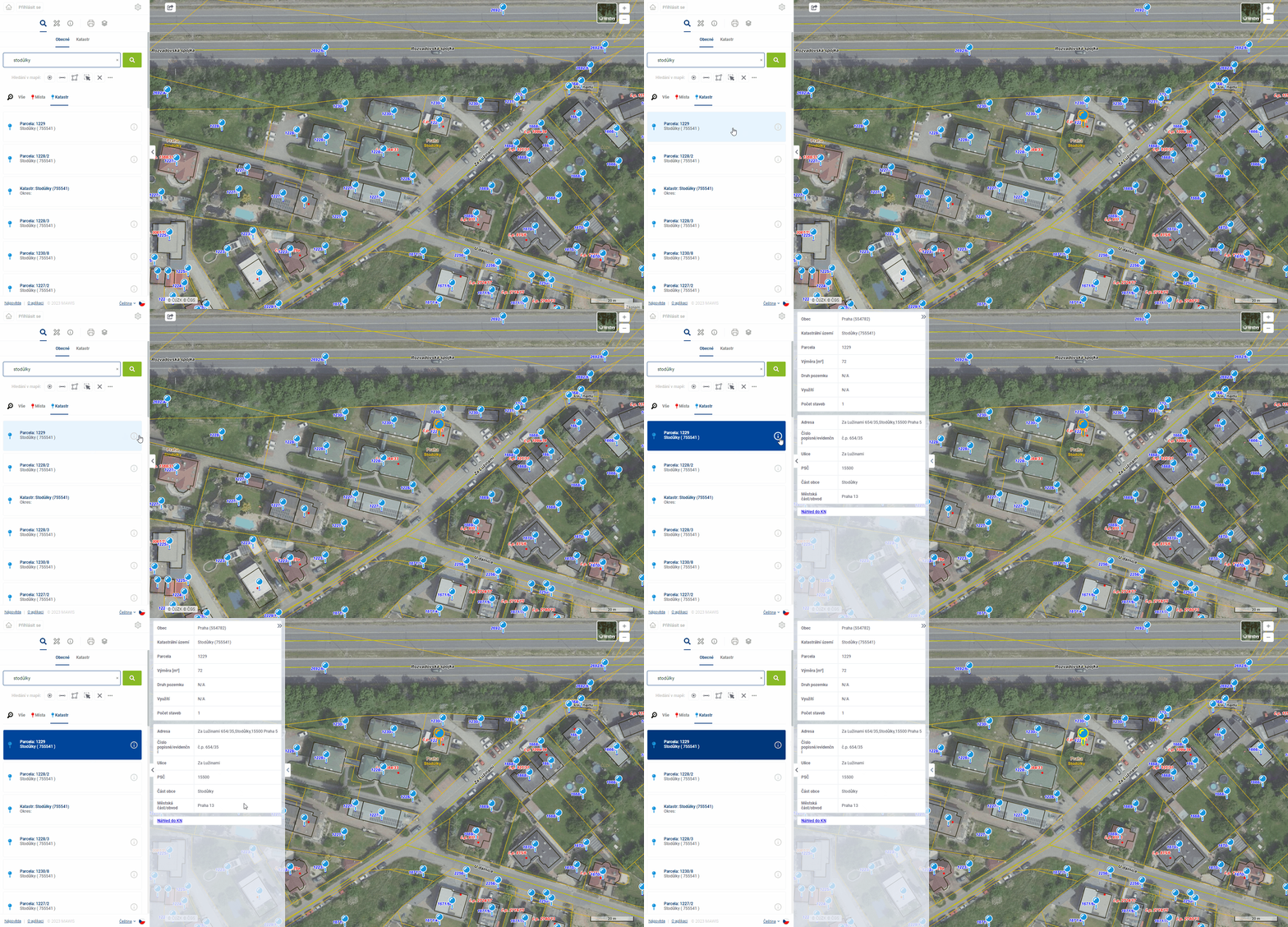
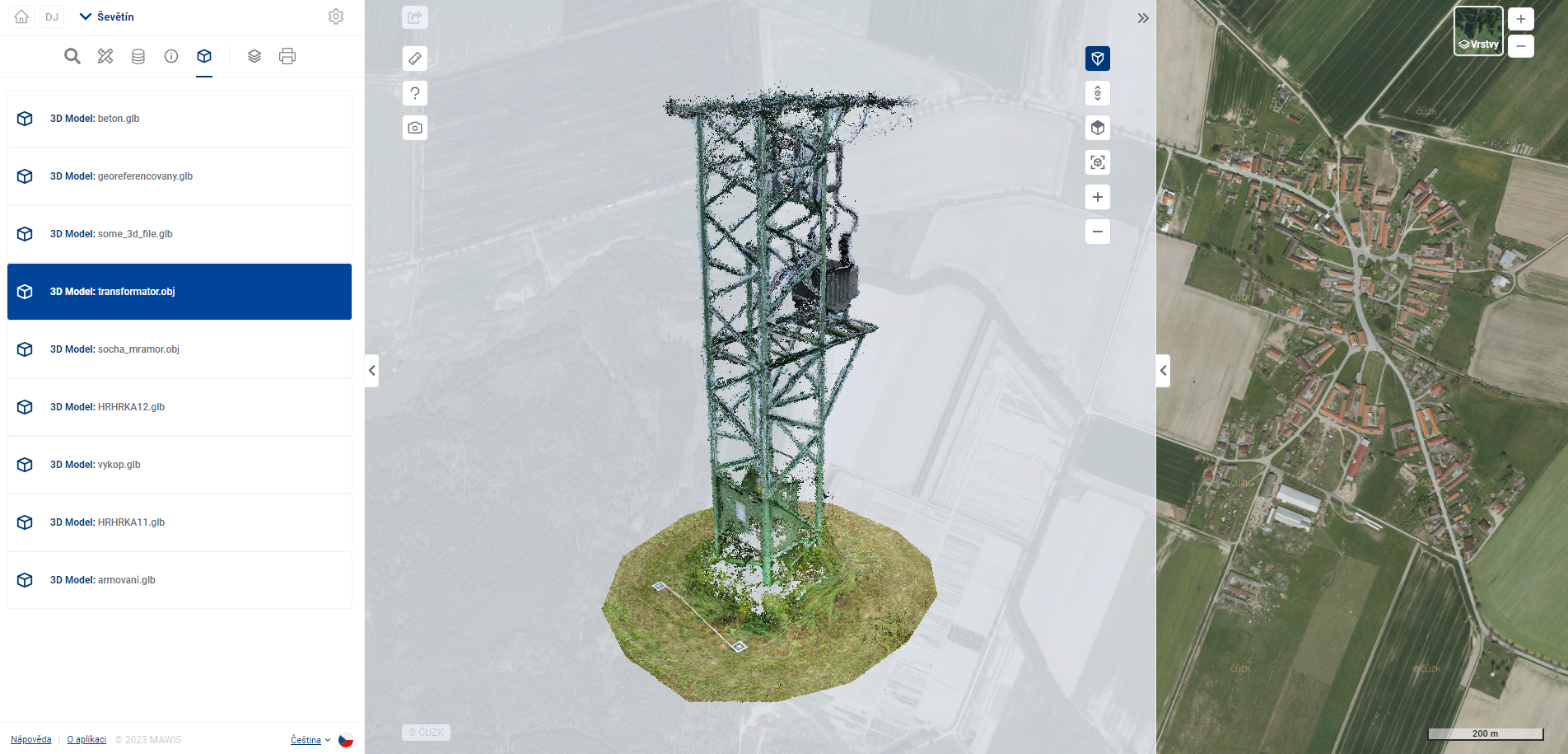
The display panel can show detailed information about the registered objects, or possibly also 3D models (Module “3D Models”).
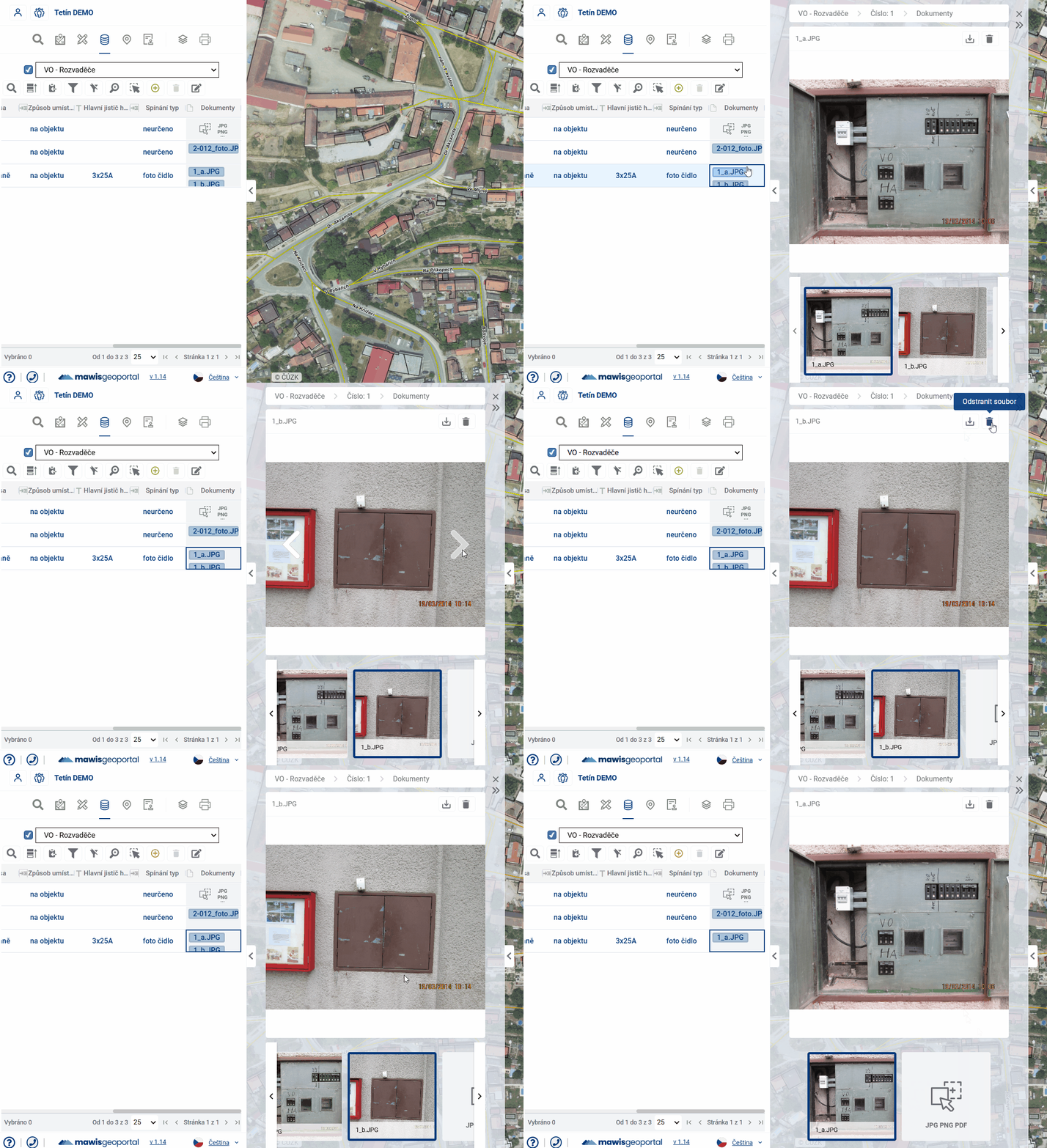
In the display panel it is also possible to upload, remove and view previews of files attached to registered objects using the Gallery.