9.3. OTHER FUNCTIONS OF THE 3D VIEWER
EXPORT DAT
In the foot of the measurement panel, you can download the CSV file with the coordinates of the recorded points or the log with the measurement results (2) via the menu Data export (1).
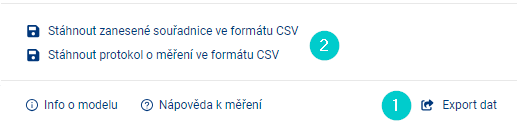
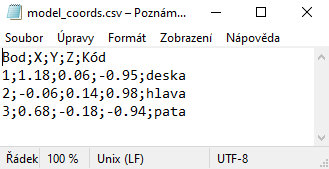
the Coordinate Export prepares a file in CSV format for the user, which contains all the entered points and their data, including a note. The downloaded file contains a header.
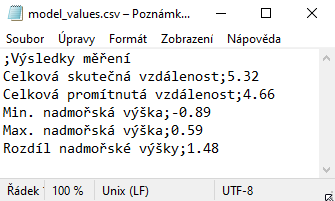
Export results downloads a file in CSV format that contains all the results of the measurement.
_Note: for correct loading of CSV into MS Excel it is necessary to use the import tool “Z Text/CSV” on the Data tab
IMAGE OF MODEL

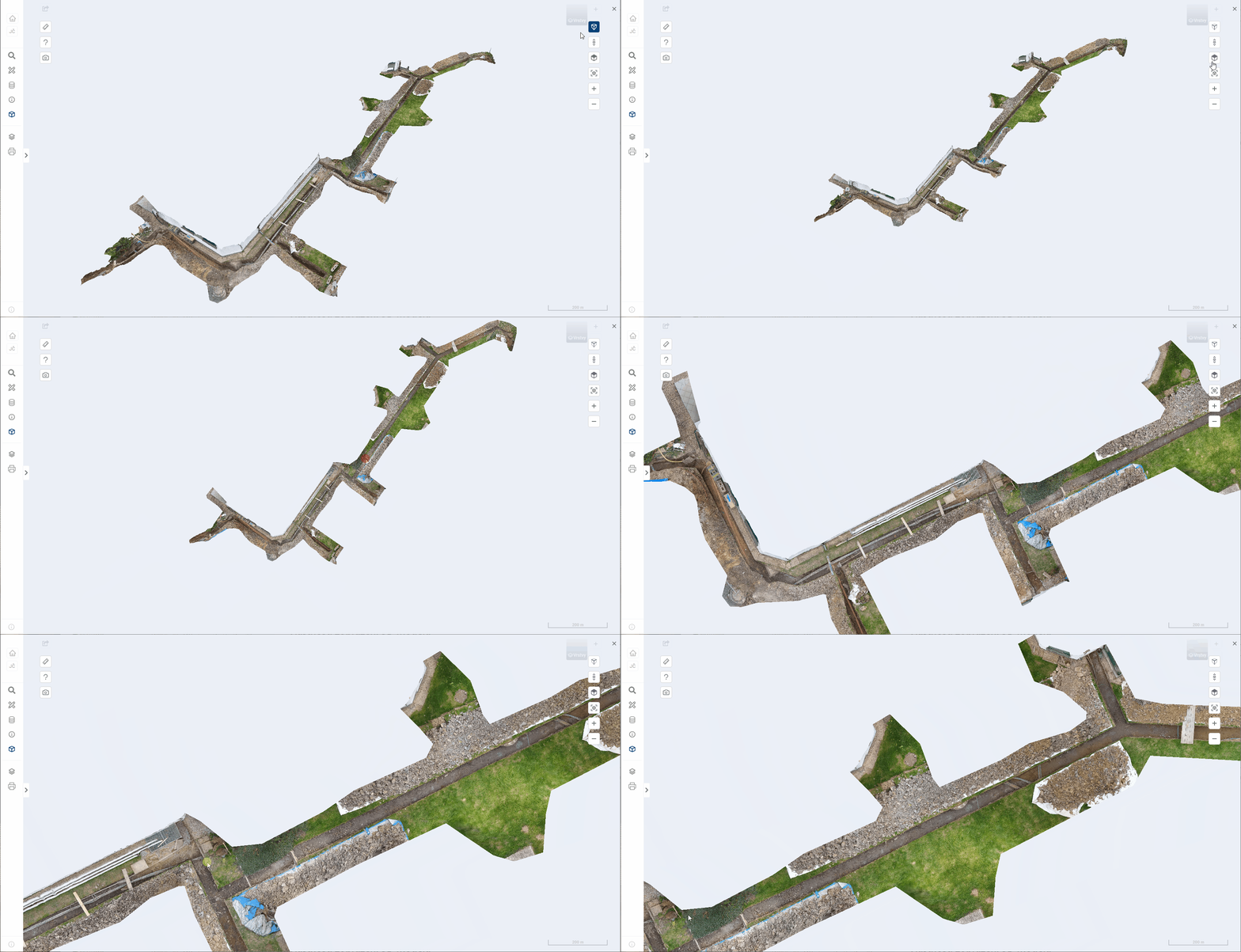
The Off/Off Perspective function changes the way differently spaced parts of the model are rendered.
-
Perspective type of view
The default setting is always a perspective type of view. This allows for a 3D model that is close to human vision, but distorts the angles.
-
** Orthographic view type**
The user can switch the perspective type of the camera to the orthographic (perspective off) view type at any time. This allows more accurate placement of points in the 3D model and facilitates some measurement functions. Under this view type, perspective is ignored and the 3D model is not rendered faithfully.
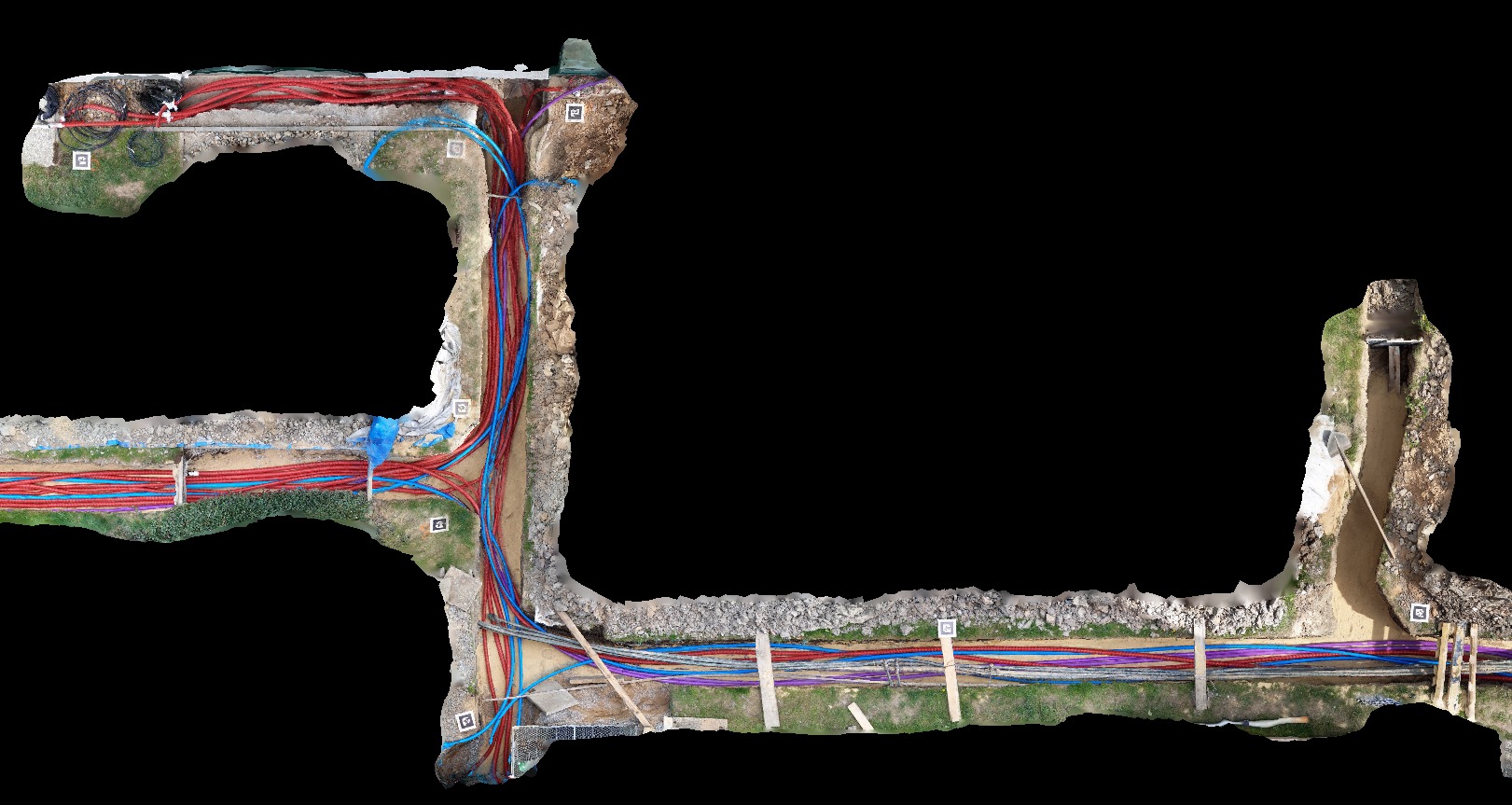
The combination of Perspective Off and Top View will display the 3D model just like an orthophoto.
SCREEN SHOT

This function saves the current view of the 3D model as an image in JPG format.