6th KATASTR
The cadastre search is used to search for parcels as polygons and offers a wider range of options for working with the results in table form and also whispering. It is an extension of the basic module Search;. The results of both search methods are independent of each other and can be switched between them seamlessly without fear of losing search results.
There are 2 ways to search. Either by typing the searched names or cadastre or parcel numbers into the search engine, or again by spatial search. You can combine these options and display the results together in one table.
- **The Parcel Whisperer
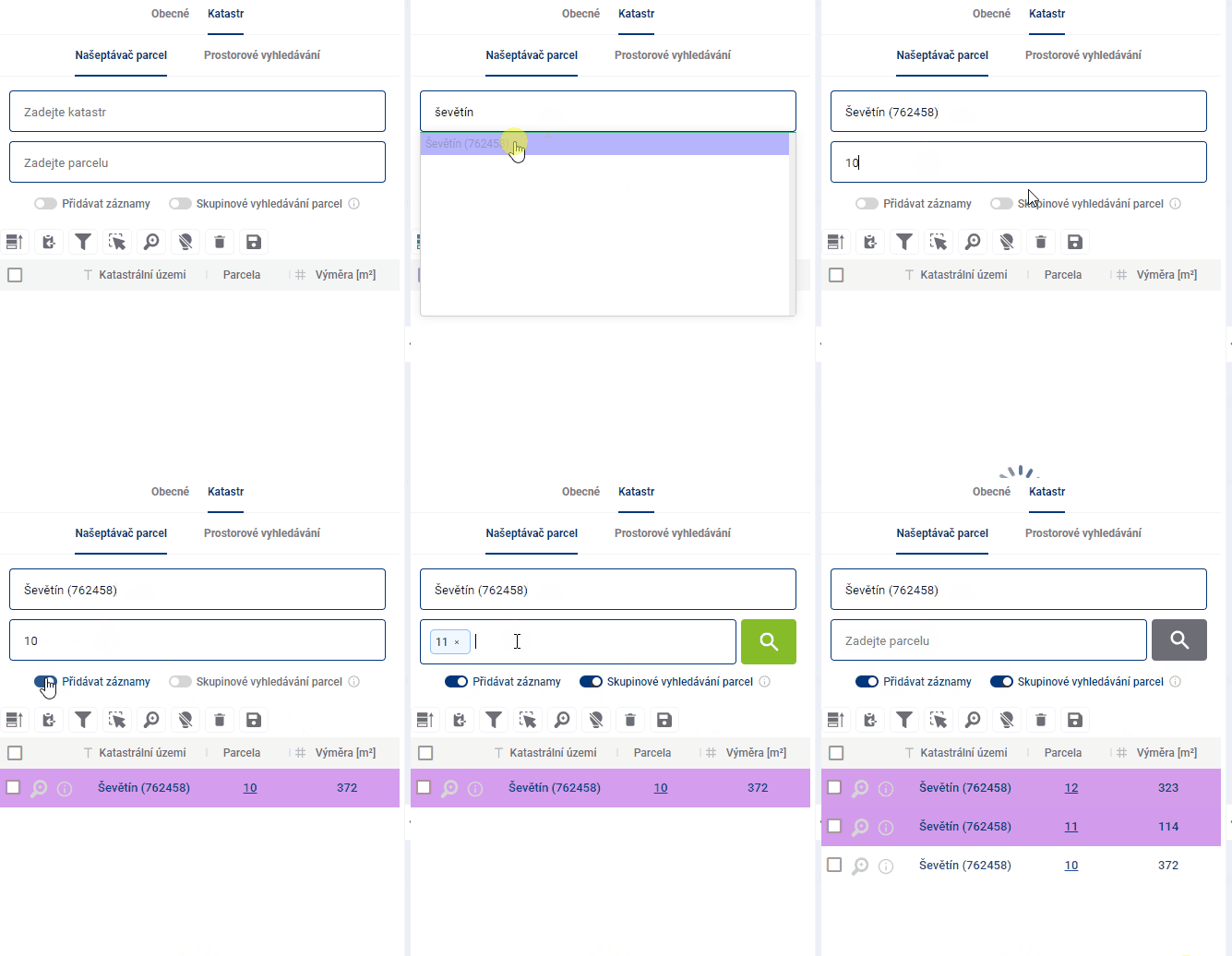
The parcel whisperer contains two text fields that help you find specific parcels. The first one is used to enter the cadastral area, which can be done by word or code, both of which are assisted by the whisperer. The second field is used to enter specific parcel numbers.
There are two more help buttons below the text fields. The “Add records” option determines whether the newly searched parcel will be added to the end of the results table or whether older search results will be removed from the table.
“Group parcel search” allows the user to search for multiple parcel numbers at the same time.
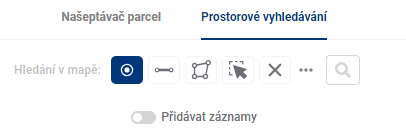
- Spatial search
The spatial search works identically to the general search mode (General), the only modification is the option to “Add records” to Results Table.