1.5. MAP WINDOW 3D
To help you get your bearings, you can move around and rotate the scene. These actions are performed using all mouse buttons (by clicking and dragging), or in combination with the SHIFT key.
The Help tool (mouse icon, labeled “3D Scene Control Help”) displays a tooltip summarizing camera controls—pan, rotate, look around (Shift), and zoom. The tooltip appears automatically when you enter the 3D scene and closes when you click the button again. It does not appear in 2D mode.
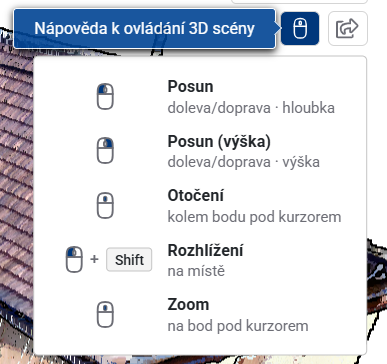
Posun
- while holding the left mouse button, move the mouse left/right → move along the X-axis and towards/ away from you → move forward/backwards along the Y-axis
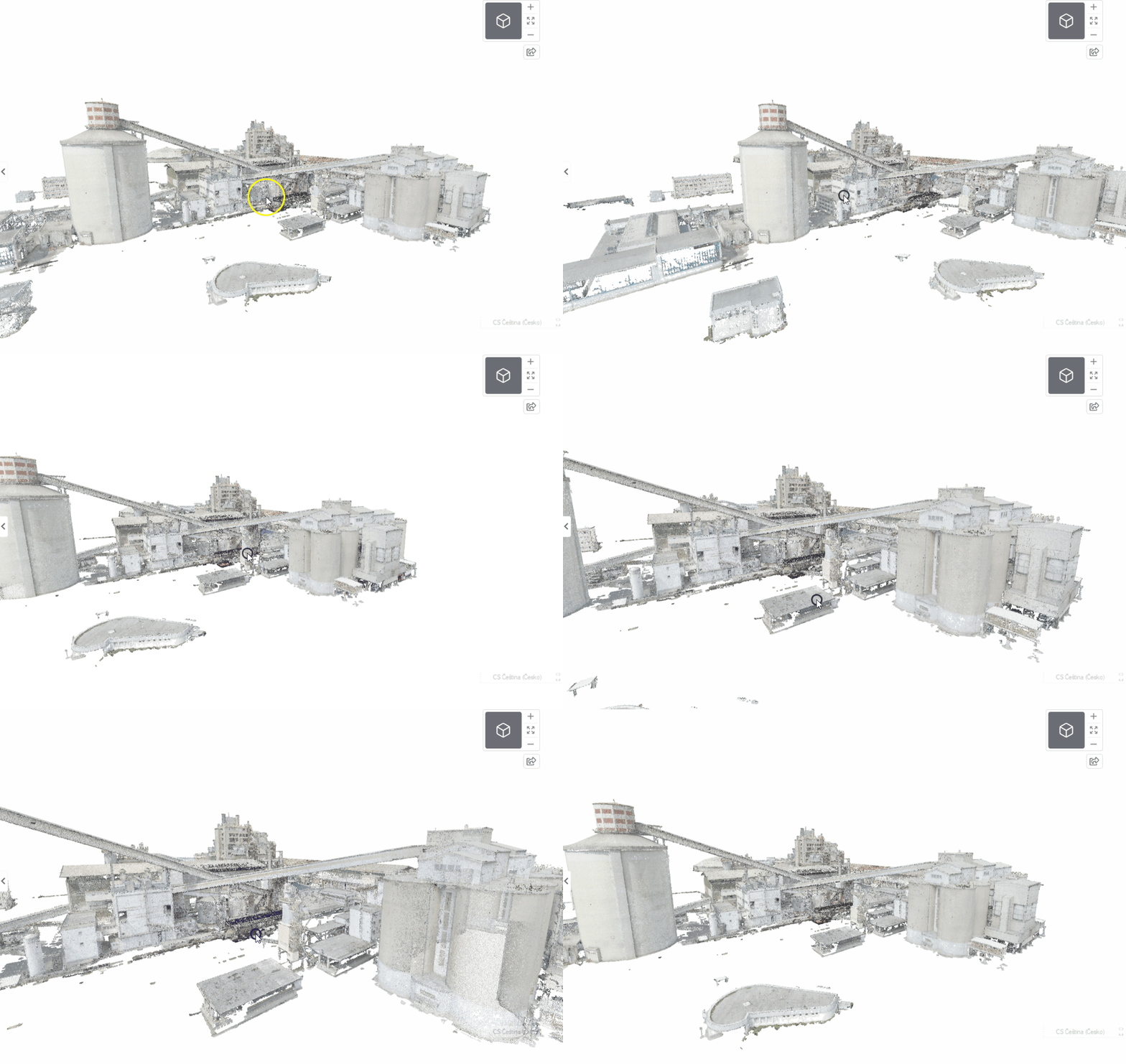
- while holding the right mouse button, the mouse can be moved left/right again → scroll on the X-axis and up/down → scroll on the Z-axis
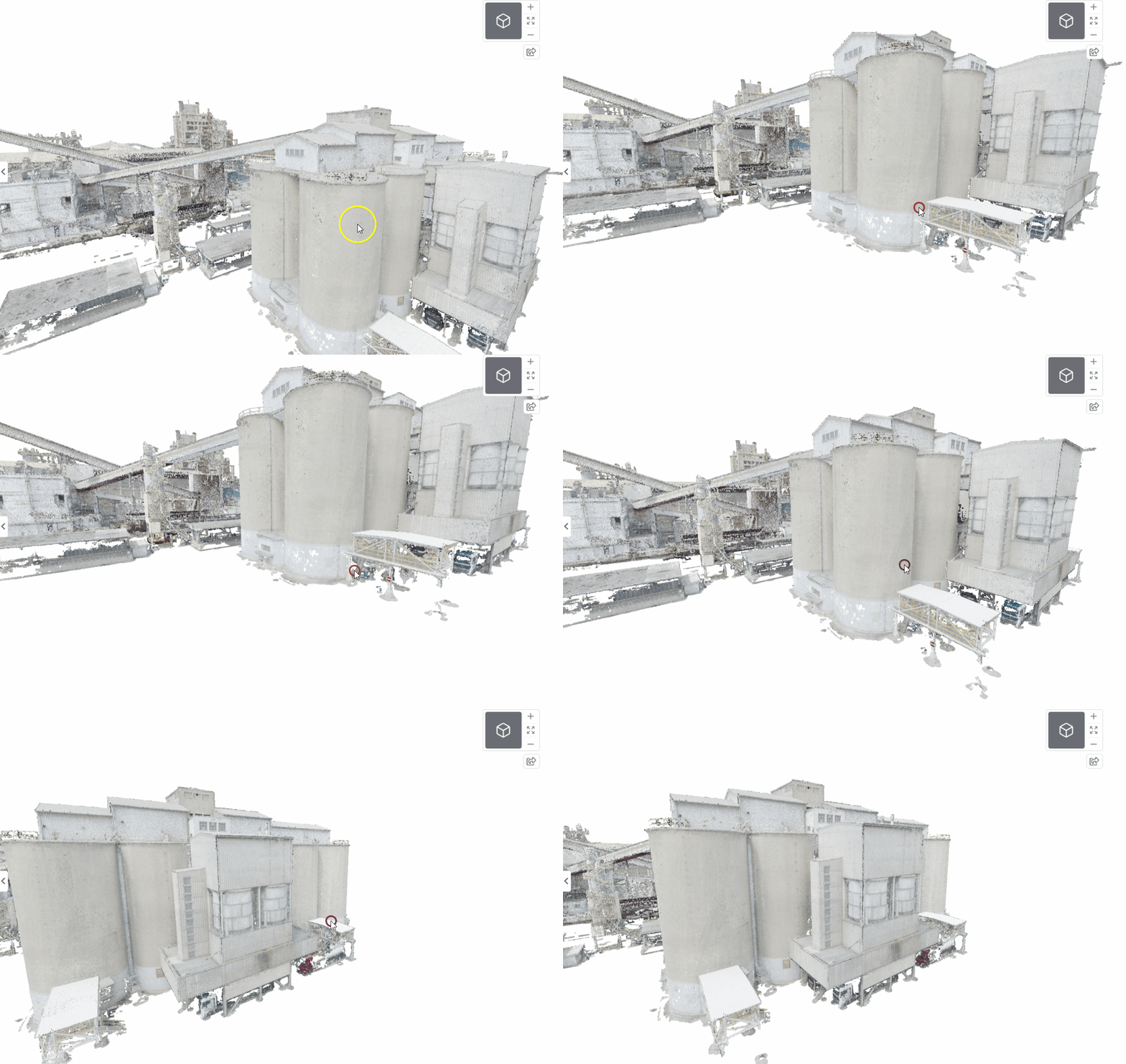
Rotation The camera can be dynamic (rotating around the subject) or static (rotating the view in place).
- while holding the mouse wheel, the view rotates around the object at a distance determined by the mouse cursor position
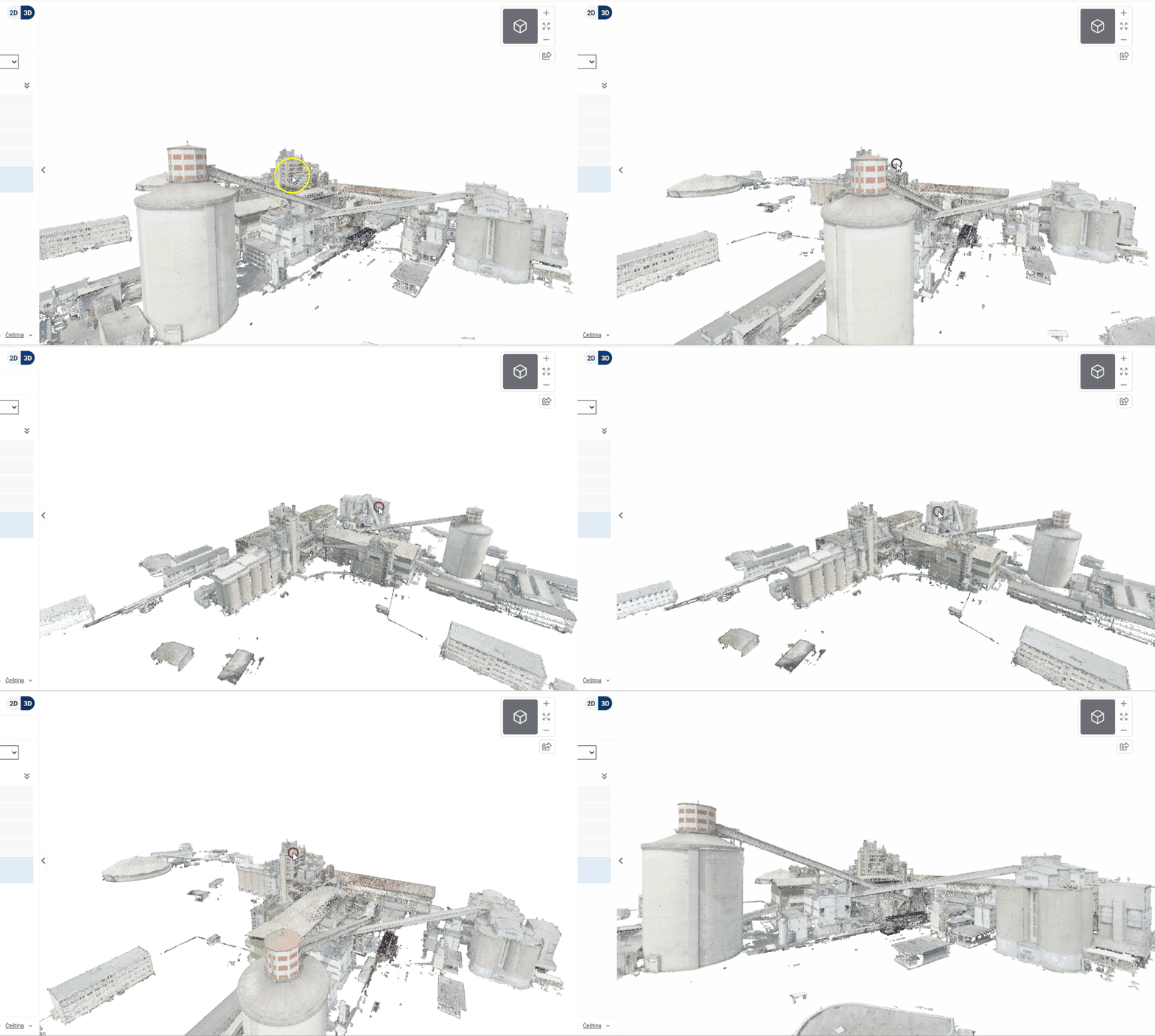
- holding the left mouse button together with the SHIFT key can rotate the camera in place - the equivalent of looking around in reality
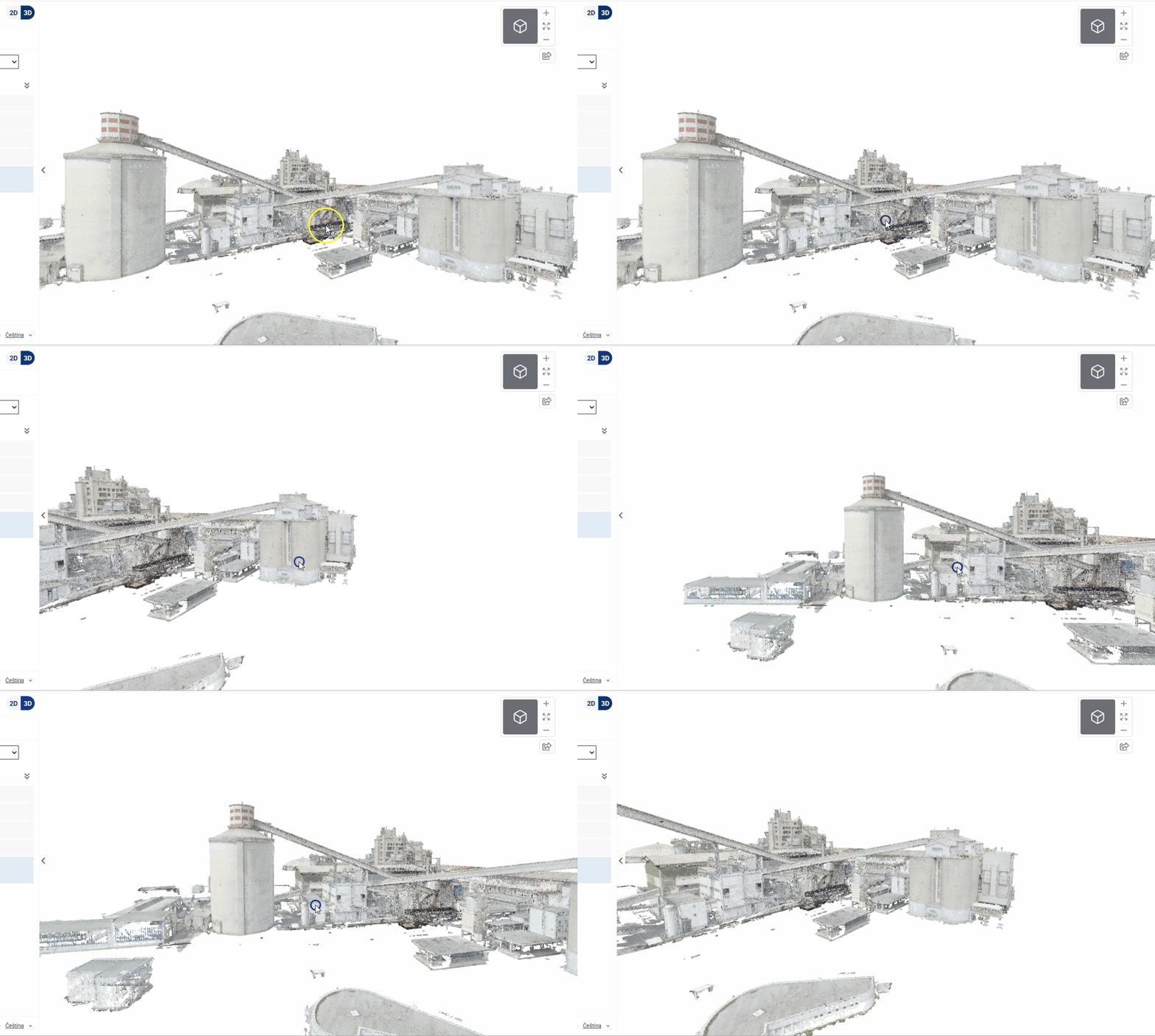
Proximity/distance
- when moving the mouse wheel, you can zoom in and out in the model
- the camera zooms in/out to a point below the cursor, not to the centre of the screen
- zoom allows passage through the model
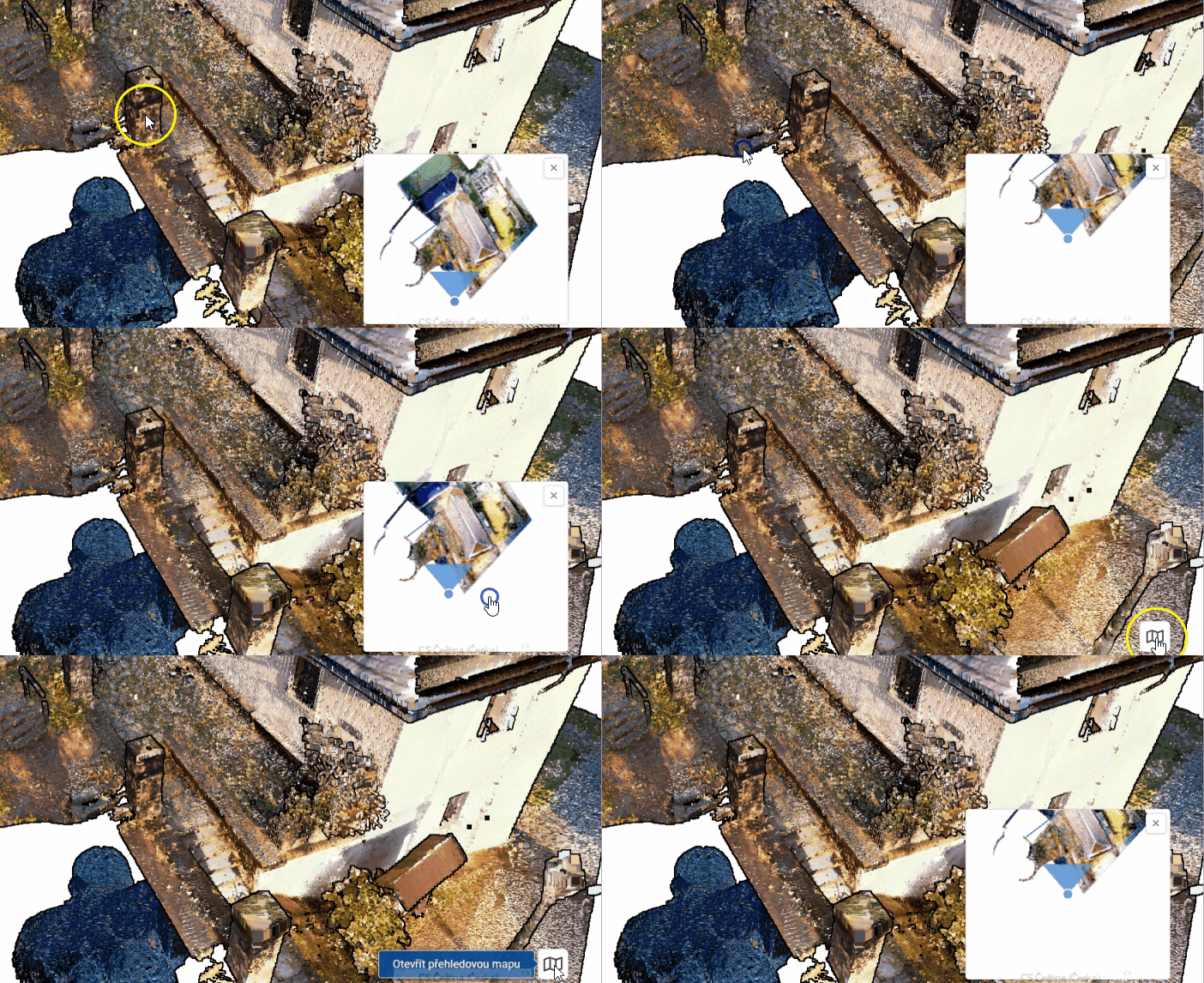
The map window includes an overview map in the lower-right corner to help you navigate the model. You can minimize the overview map using the cross icon in the upper-right corner—the minimized map does not use any memory (nothing is loaded into it). You can reopen it by clicking the “Open Overview Map” button in the lower-right corner. The user’s current position and viewing direction are highlighted on the overview map by a blue dot with a white border and a viewing cone.