9.2.1 SOUŘADNICE

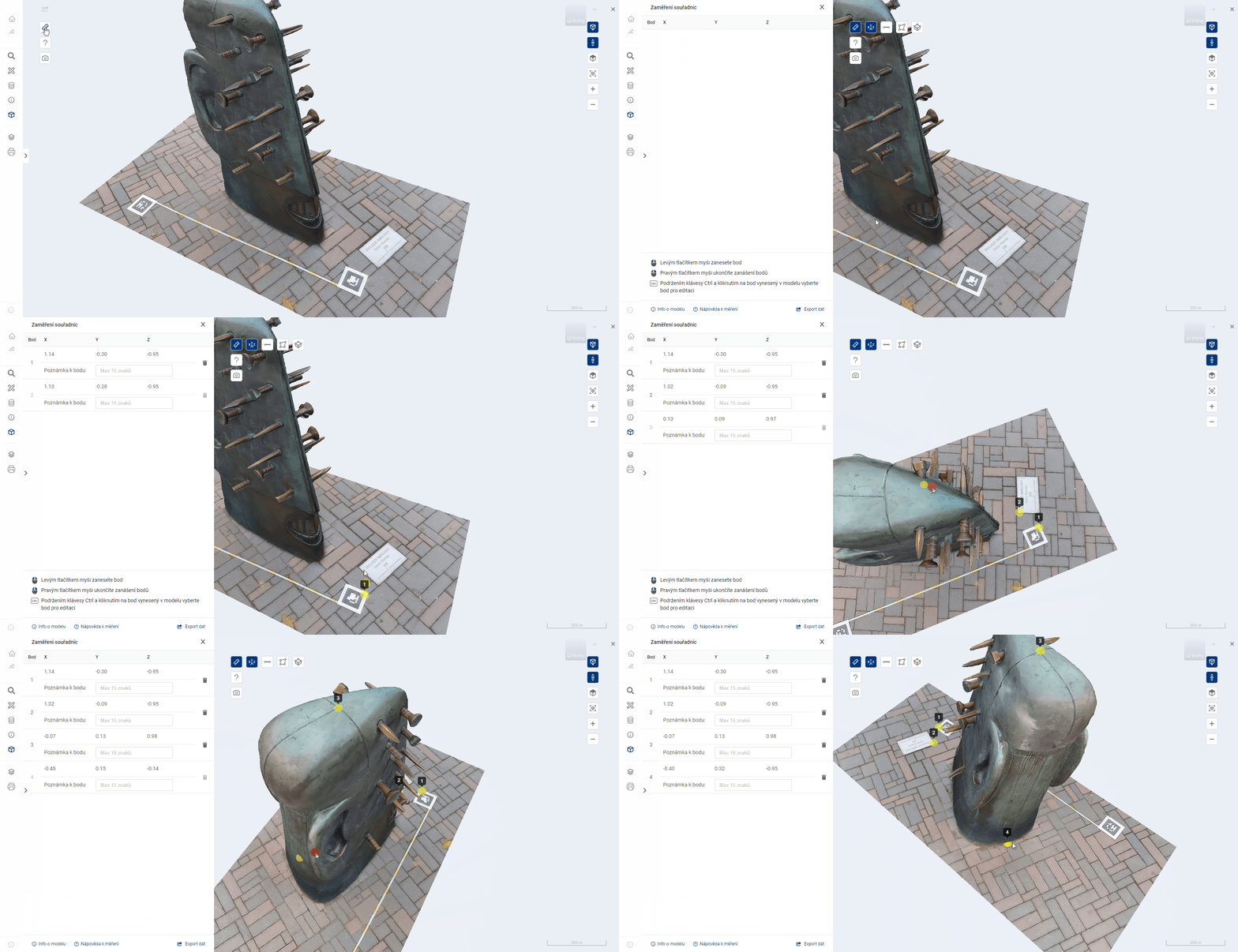
The user can use the Coordinates tool to enter points at arbitrary locations on the model surface. The system automatically prints the [X, Y, Z] coordinates of the point. The user can write annotations to the points and export them to a file.
The plotting of points is described in detail in the parent chapter 9.2.
NOTE ON POINT
It is possible to write notes with a maximum length of 15 characters for the recorded points.

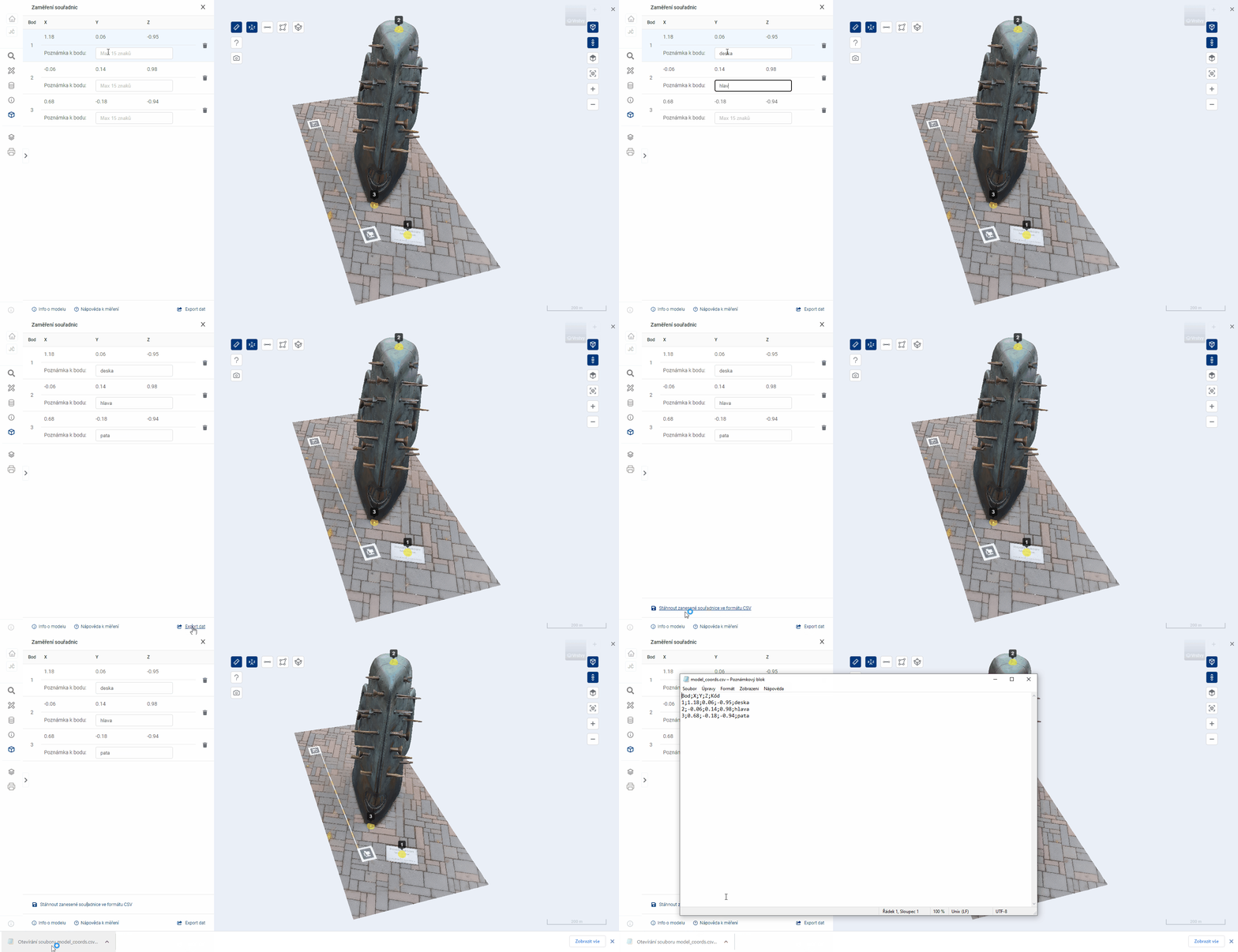
EXPORT COORDINATES
The export allows the user to download a CSV file that contains all the points and their data, including a note. The downloaded file contains a header.

_Note: for correct loading of CSV into MS Excel it is necessary to use the import tool “Z Text/CSV” on the Data tab