EDITATION GEOMETRY
Editing the position of registered elements is available via the form of the specific element.
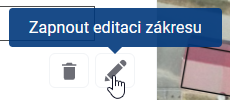
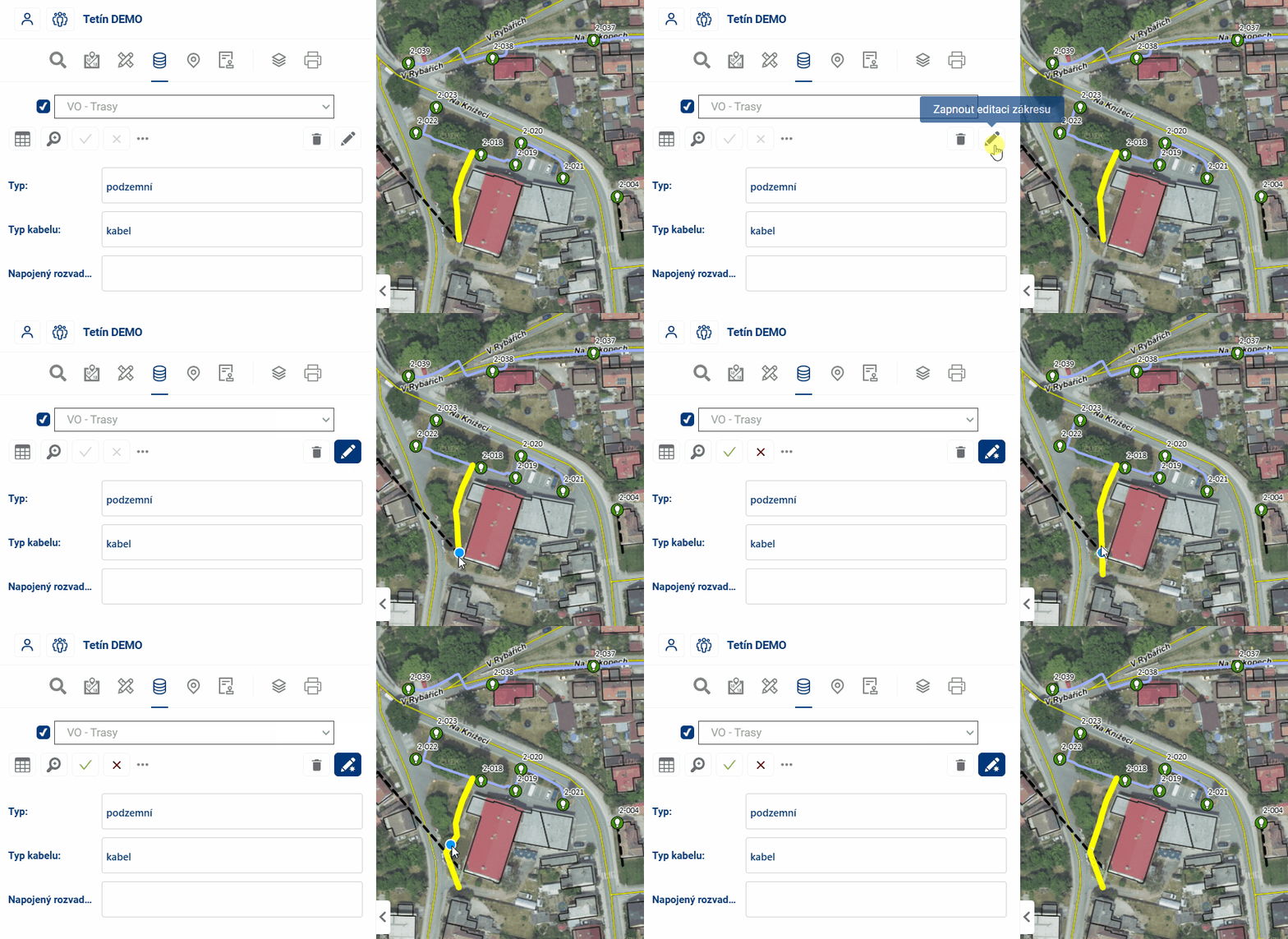
Click and drag a point on the map to edit the item. Vertices of lines and polygons can be added by clicking on an edge and removed by clicking and pressing the CTRL key.
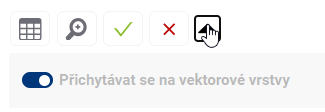
It is possible to set whether the edited points should be attached to other vector layers or not.
At the end, the editing must be confirmed or discarded with the appropriate buttons  .
.