5.4. POZNÁMKA
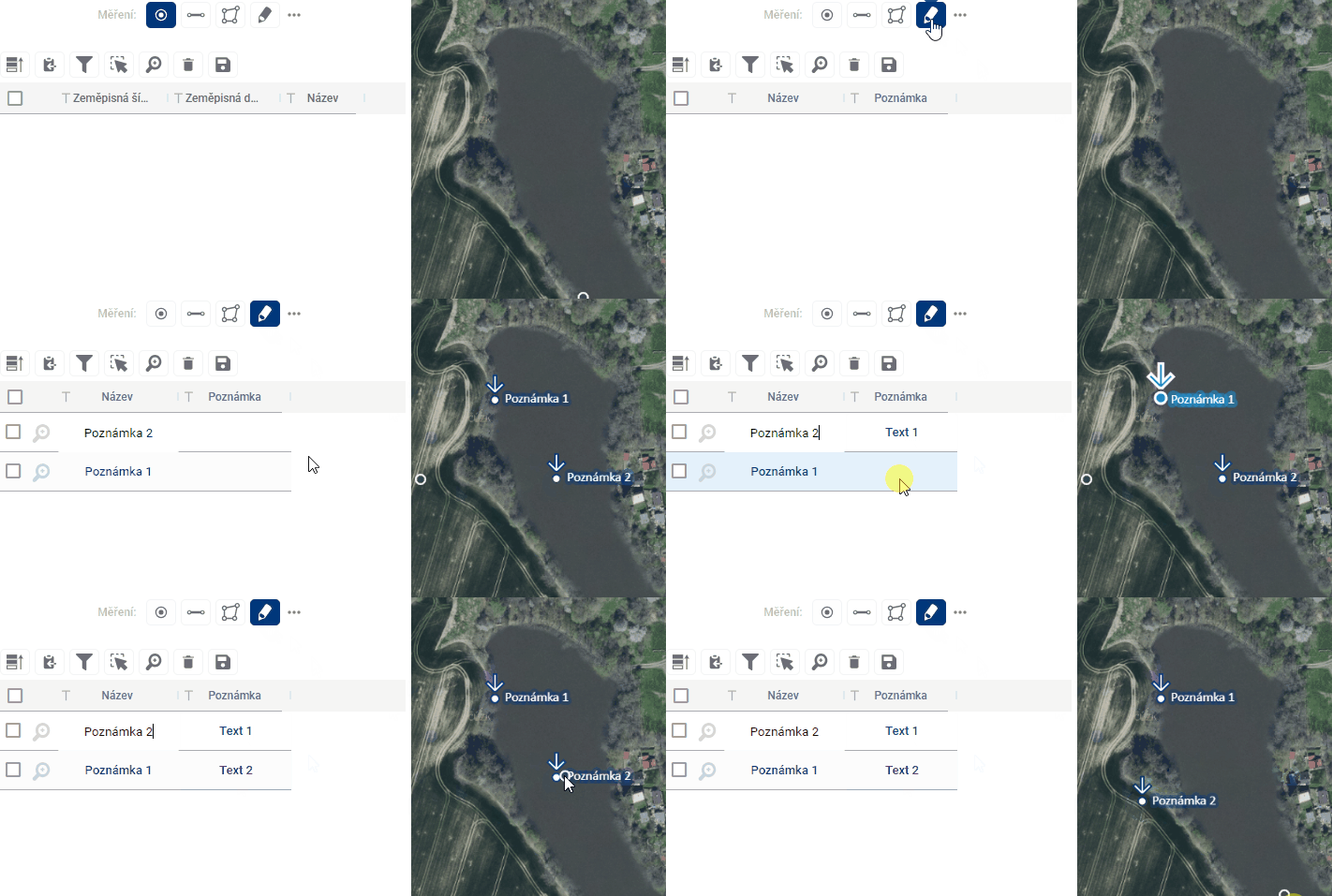
Adding point annotations works identically to adding points by simply clicking anywhere in the map window. The difference is in the appearance of the symbol and the attributes listed in the table. Again, it contains a name, which the user can customize, and which is displayed on the map, but in addition, it is possible to fill in an additional text column Note, for example with some additional comment, but which will no longer be visible on the map. Again, the position of points can be adjusted by simply dragging the point to another location in the map window.