WORKING WITH MAP FEATURES
Data with spatial information is displayed in the map window. Whether the elements are currently displayed in the map can be set in the Layer Organizer.
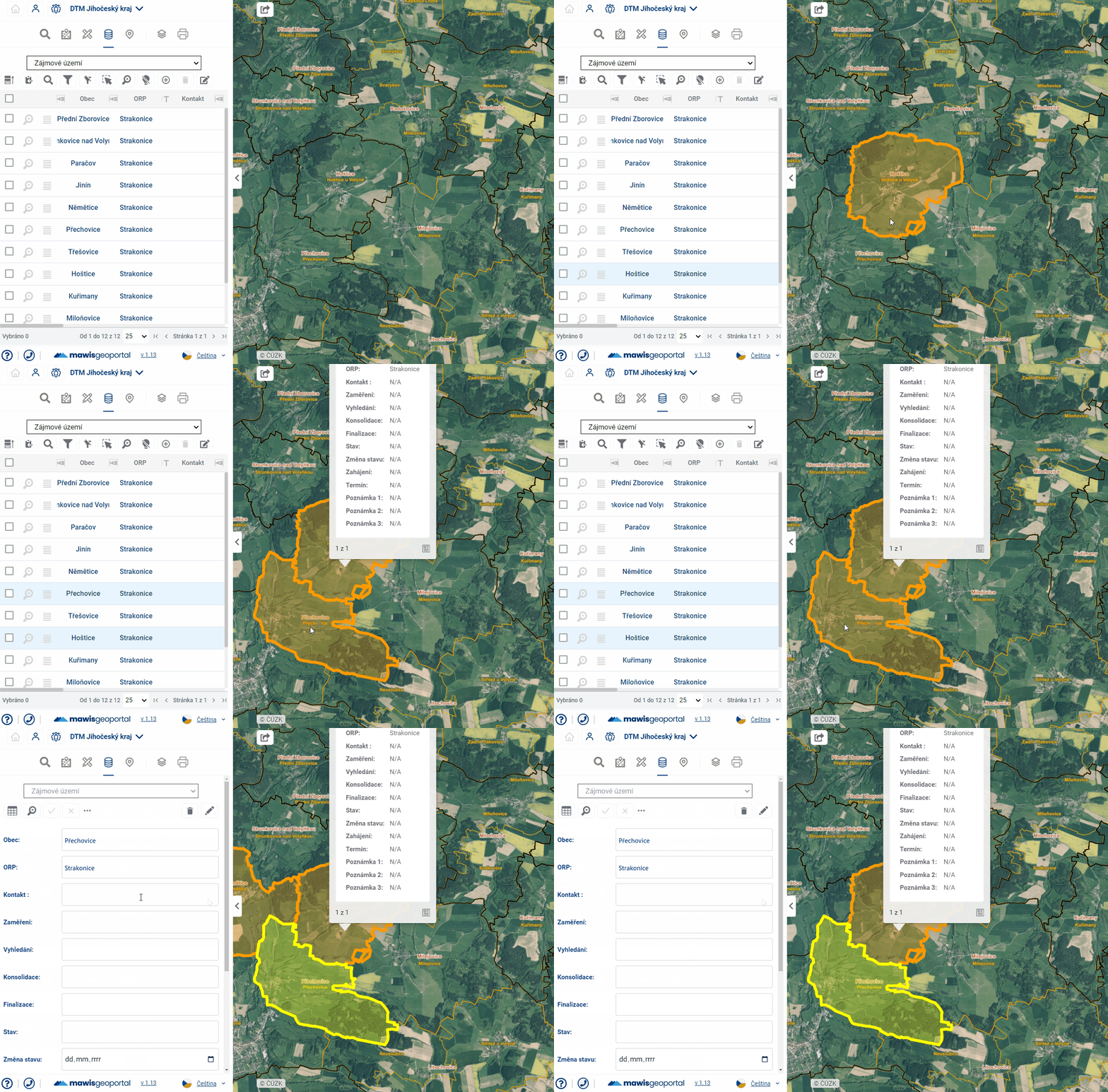
Hovering over an item in the map will highlight the item in the map (the symbol will be enlarged or highlighted in colour) and also highlight the corresponding record in the table (in light blue).
Simply click on an item in the map to display basic information in the pop-up menu above the item. Double-click on an element in the map to see detailed information about the element in the form in the taskbar.